- Reduced price
- 5%
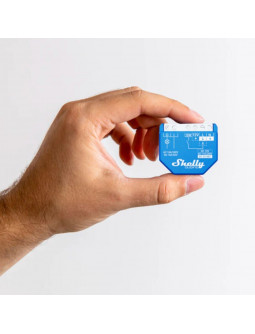
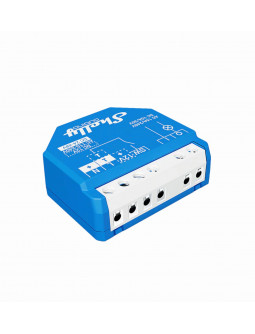
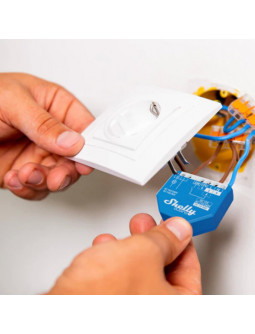
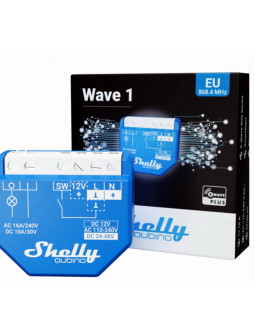
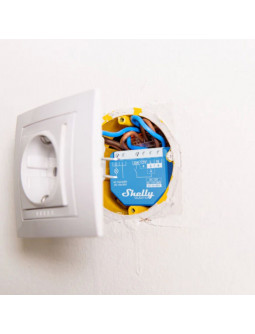

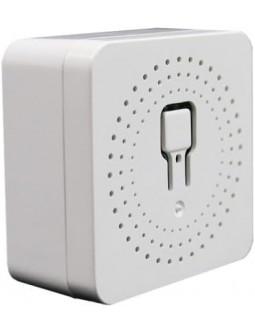
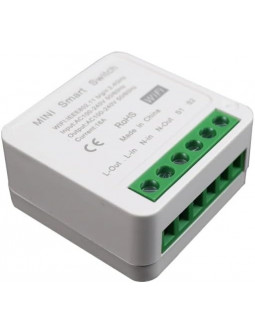
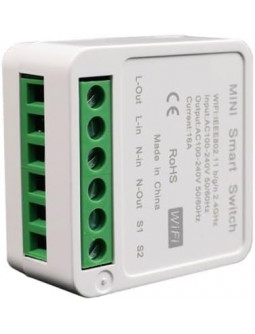
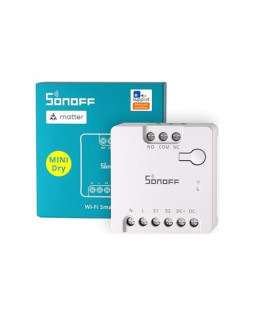
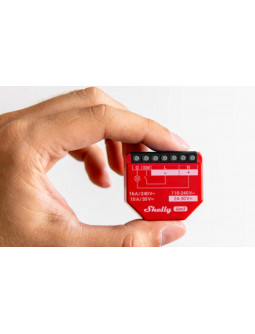
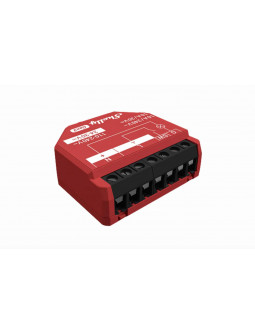
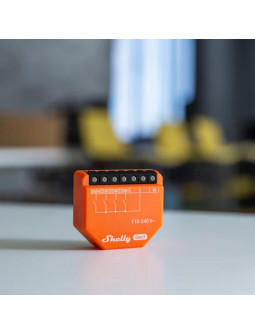
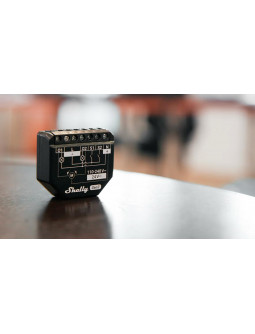
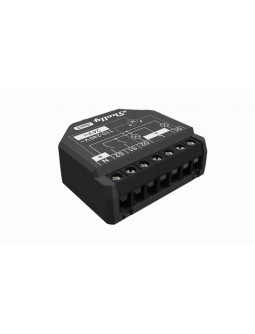
Z-Wave smart switch with dry contacts allows you to connect various power supply loads to the device, such as electrical locks, gates, garage doors, irrigation system, and lights
N.B. A Z-Wave gateway (smart hub) is not included. A Z-Wave gateway (smart hub) is required for the configuration of the device.
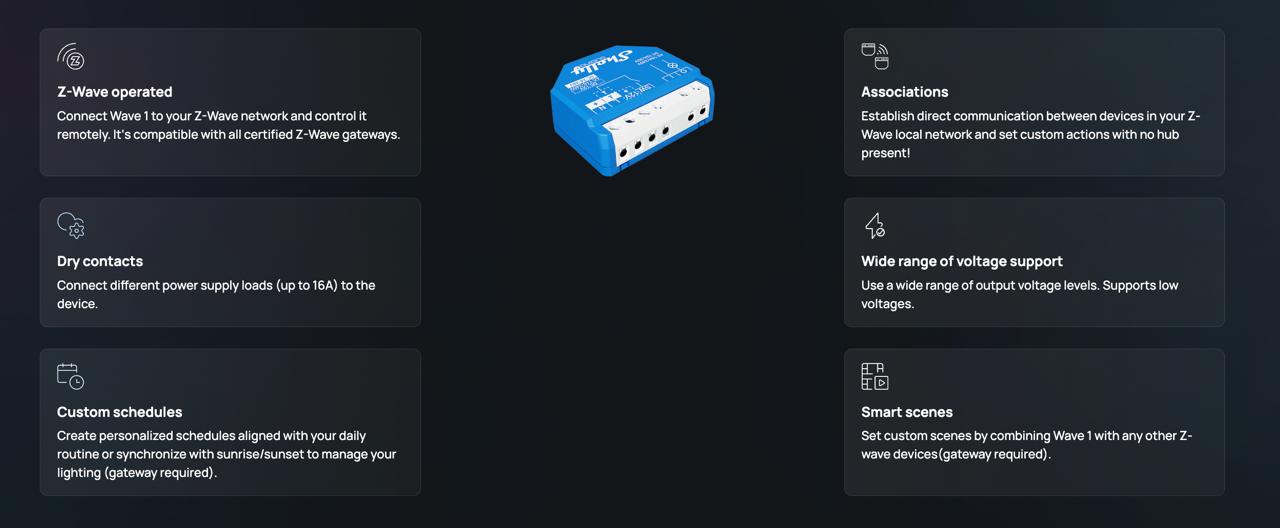
Z-Wave smart switch with dry contacts allows you to connect various power supply loads to the device, such as electrical locks, gates, garage doors, irrigation system, and lights The output contact is potential-free (dry contact), so different power supply loads (up to 16 A) can be connected to the Device. It is compatible with push-buttons and switches (default).
• Z-Wave™ smart switch, 1 channel 16 A
• Dry contacts
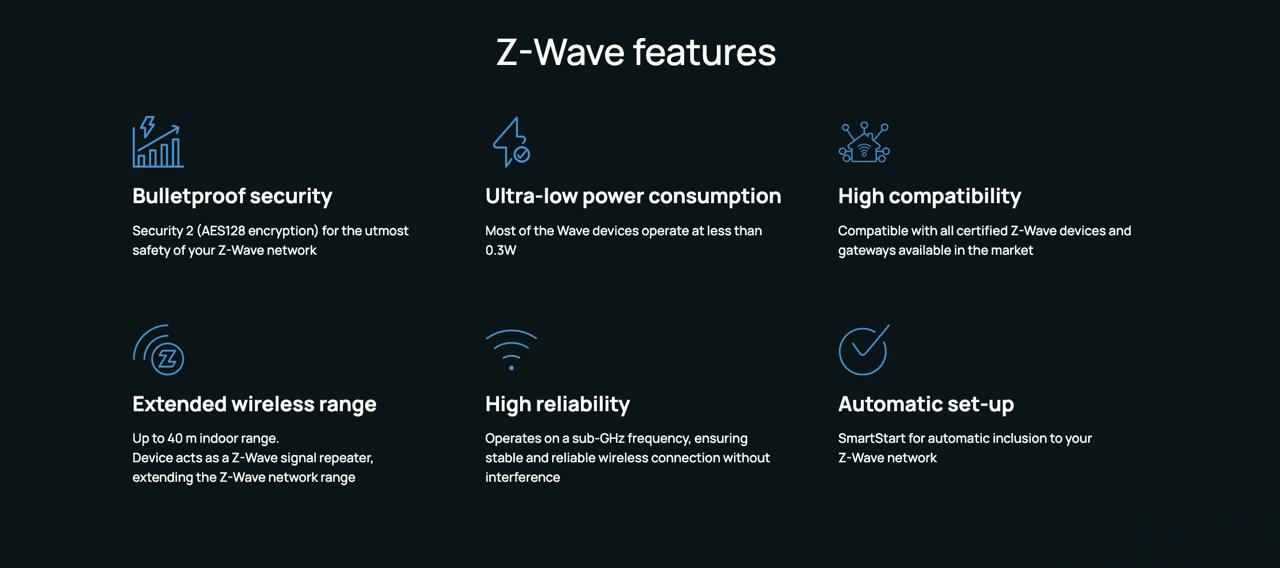
• Extremely low power consumption: 0.3 W.
• Latest technology: Z-Wave 800 Series
• Z-Wave frequency band: 868.4 MHz (CEPT countries)
• Automatic set-up with SmartStart
• Security 2 Authenticated for the highest level of security
• Supports over-the-air firmware updates (OTA)
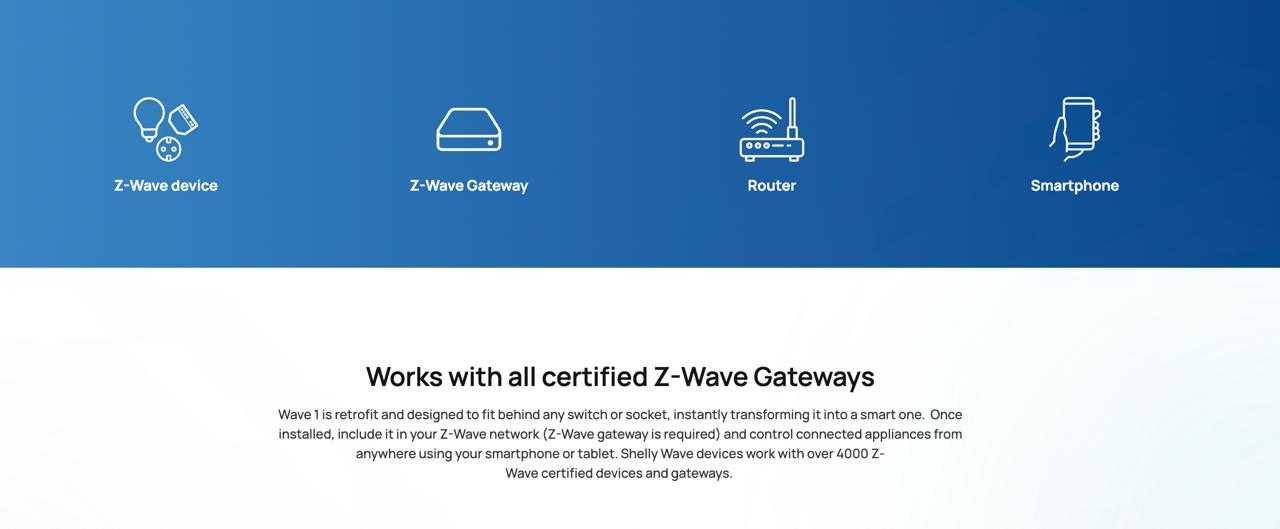
• Works with Z-Wave certified gateways and over 4,000 Z-Wave devices
If the SW (SW1) is configured as a switch (default), each toggle of the switch will change the output O (O1) state to the opposite state - on, off, on, etc. If the SW (SW1) is configured as a push-button in the Device settings, each press of the push-button will change the output O (O1) state to the opposite state - on, off, on, etc.
If the SW (SW1) is configured as a switch (default), each toggle of the switch will change the output O (O1) state to the opposite state - on, off, on, etc.
• Change switch position once: Change the state of the output O (O1) state to the opposite state and send the command to the associated devices in associated groups 2 and 3 (check chapter Z-Wave Association).
If the SW (SW1) is configured as a switch-memory, than:
• Switching to Close switch-memory contact: Change the state of the output state O (O1) to the On state and send command to the associated devices in associated groups 2 and 3 (check chapter Z-Wave Association)
• Switching to Open switch-memory contact: Change the state of the output state O (O1) to the Off state and send command to the associated devices in associated groups 2 and 3 (check chapter Z-Wave Association)
If the SW (SW1) is configured as a push-button in the Device settings, each press of the push-button changes the output state O (O1) to opposite - ON, OFF, ON, etc.
• Single press: Change the state of the output state O (O1) to the opposite one and send command to the associated devices in associated groups 2 and 3 (check chapter Z-Wave Association)
• Double press: If the delay between first in second press is less then 500ms, this is interpreted as double press. Send command to the associated devices (dimmers, shutters,….) in associated groups 2 and 3 (check chapter Z-Wave Association)
• Press and hold: Send command to the associated devices in associated group 3 (check chapter Z-Wave Association)
• Release: Send command to the associated devices in associated group 3 (check chapter Z-Wave Association)
• Residential
• MDU (Multi Dwelling Units - apartments, condominiums, hotels, etc.)
• Light commercial (small office buildings, small retail/restaurant/gas station, etc.)
• Government/municipal
• University/college
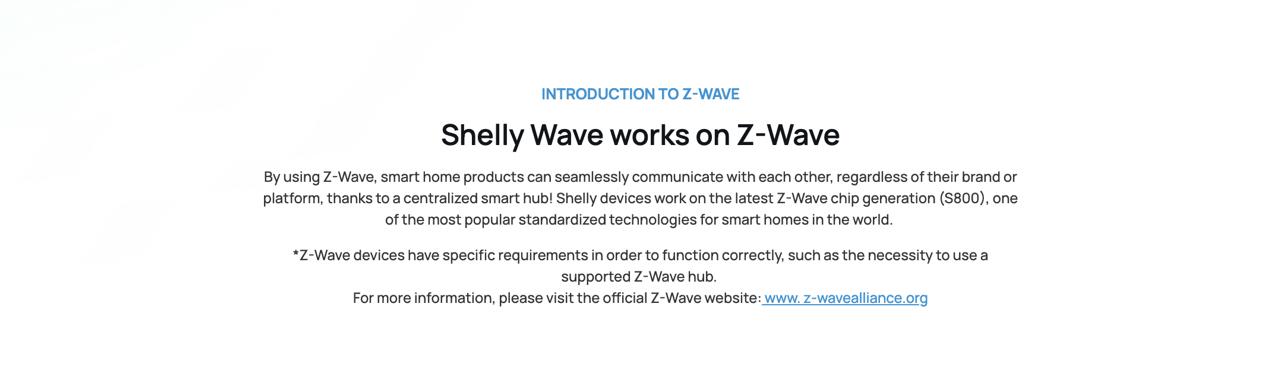
Shelly Qubino Wave devices are developed on the world's leading technology for smart homes – Z-Wave®.
This means Shelly Qubino Wave works with all certified gateways supporting Z-Wave communication protocol.
To make sure the functions of Shelly Qubino Wave products are supported on your gateway, we are regularly executing compatibility tests of our devices with different Z-Wave gateways.
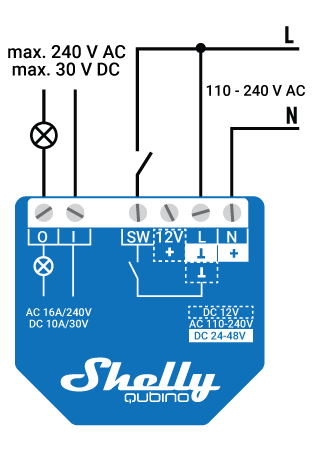
AC Power Supply
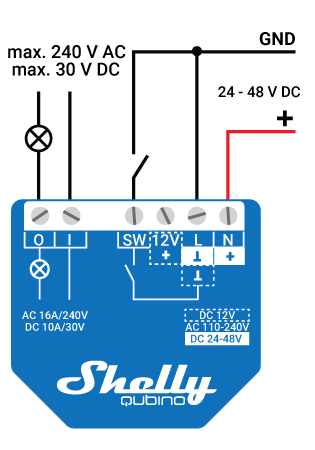
24-48 VDC Power Supply
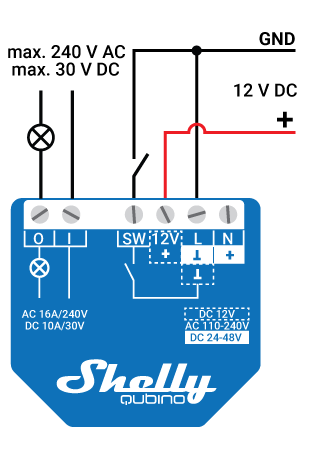
12 VDC Power Supply
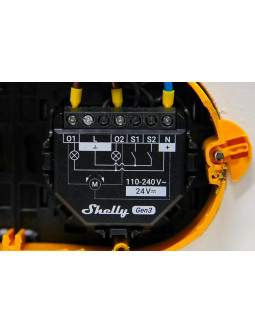
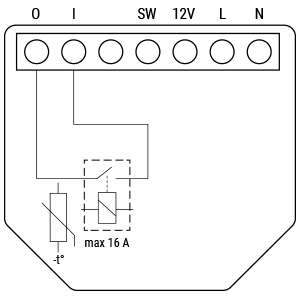
<>• 1 switch/push-button input on screw terminal
• 1 potential-free contact relay input on screw terminal
• 3 power supply inputs on screw terminals: N (+), L (Ʇ) and 12V3
• 1 potential-free contacts relay output on screw terminal
• Z-Wave - Unsecure, S0 Security, S2 Unauthenticated Security, S2 Authenticated Security
• switch off its own relay
• sends the Notification Report to the Gateway (Overheat detected)
• the led lights react as specified above (check blinking mode for Overheat detected)
Any of next activities reset this alarm: power cycle, short press on S button, press any switch-push button connected to any SW (SW, SW1, SW2, …) terminal.
NOTE: The Overheat protection is always active and cannot be disabled. Additional description above under chapter Notification for Overheat detected.
• Resistive (incandescent bulbs, heating devices)
• Capacitive (capacitor banks, electronic equipment, motor start capacitors)
• Inductive with RC Snubber (LED light drivers, transformers, fans, refrigerators, air-conditioners)
• Power supply: 110-240 V AC / 24-48 V DC / 12 V DC ± 10%
• Power consumption: < 0.3 W
• Max. switching voltage AC: 240 V
• Max. switching current AC: 16 A
• Max. switching voltage DC: 30 V
• Max. switching current DC: 10 A
• Overheating protection: Yes
• Distance: Up to 40 m indoors (131 ft.) (depends on local condition)
• Z-Wave® repeater: Yes
• CPU: Z-Wave® S800
• Z-Wave® frequency band: 868,4 MHz
• Maximum radio frequency: power transmitted in frequency band(s): < 25 mW
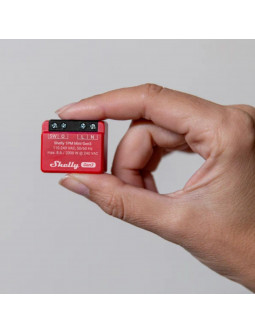
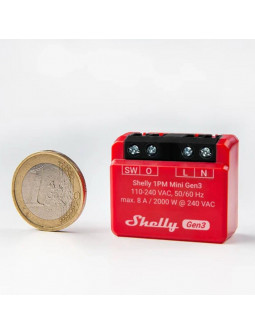
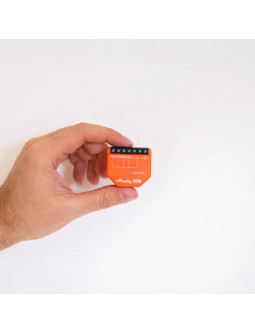
• Size (H x W x D): 37x42x16 ±0.5 mm / 1.46x1.65x0.63 ±0.02 in
• Weight: 26 g / 0.92 oz.
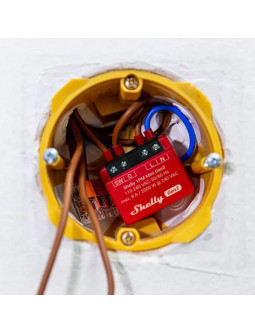
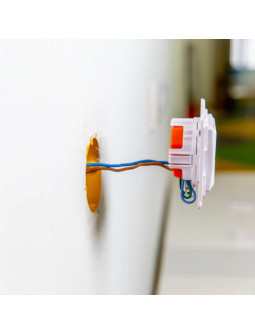
• Mounting: Wall console
• Screw terminals max. torque: 0.4 Nm / 3.5 lbin
• Conductor cross section: 0.5 to 1.5 mm² / 20 to 16 AWG
• Conductor stripped length: 5 to 6 mm / 0.20 to 0.24 in
• Shell material:
• Plastic:
• Colour: Blue
• Ambient temperature: -20°C to 40°C / -5°F to 105°F
• Humidity: 30% to 70% RH
• Max. altitude: 2000 m / 6562 ft
• Components and APIs - This device
• Components and APIs - All Shelly devices and services
• Compliance
• Installation guide
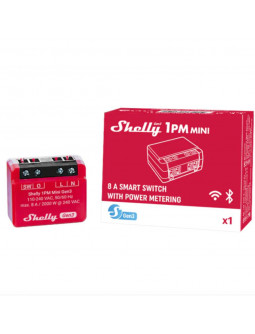
• 1 X Shelly Wave 1 Smart Z-Wave Switch With Dry Contacts
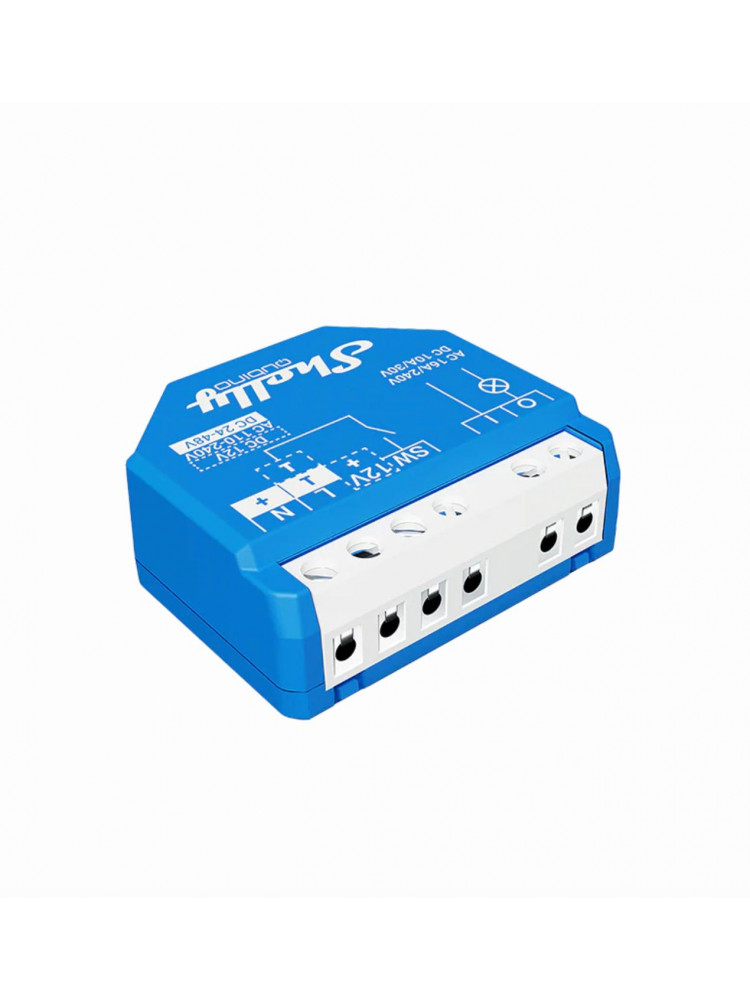
Z-Wave smart switch with dry contacts allows you to connect various power supply loads to the device, such as electrical locks, gates, garage doors, irrigation system, and lights
N.B. A Z-Wave gateway (smart hub) is not included. A Z-Wave gateway (smart hub) is required for the configuration of the device.