- Reduced price
- 10%
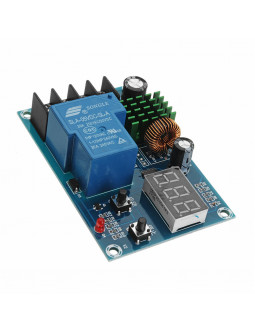
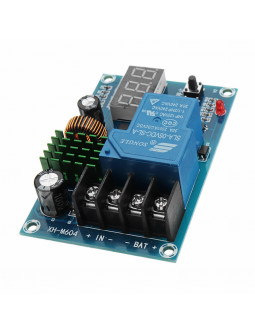
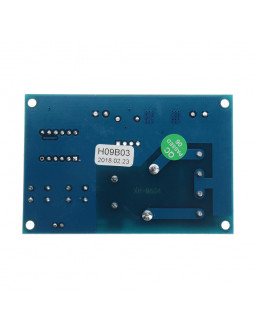
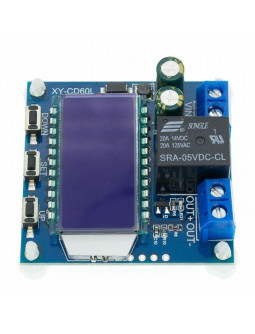
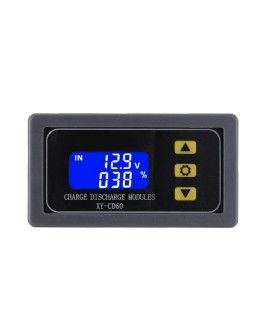
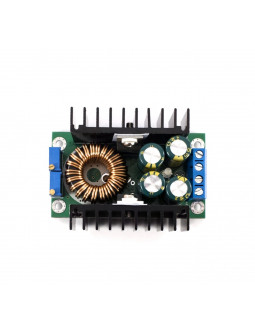
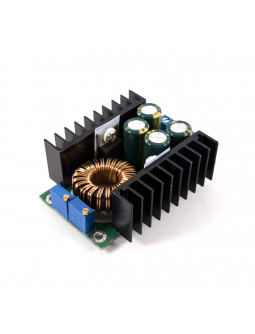
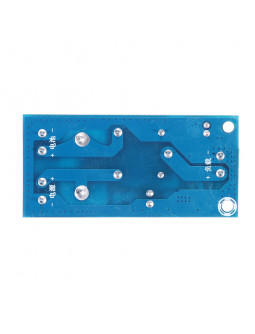
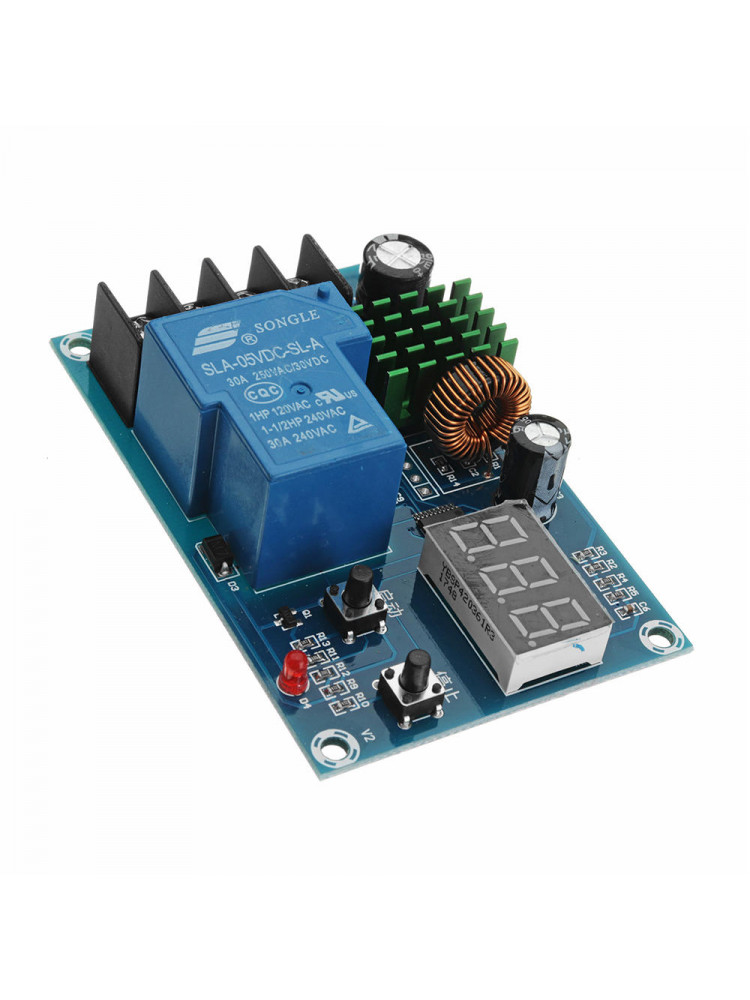
The XH-M604 Charge Module can be used to charge variety of battery types including, lithium, Lead-acid, nickel-cadmium, nickel-metal hydride, lithium-ion and polymer. The module can also be used for solar panel applications
Please note: This is a charge control module and not a battery charger. It will need to be paired with a battery charger.
The XH-M604 Charge Module can be used to charge variety of battery types including, lithium, Lead-acid, nickel-cadmium, nickel-metal hydride, lithium-ion and polymer. The module can also be used for solar panel applications
• Model: XH-M604
• Voltage: DC 6V-60V
• Output current: 30A
• Display Precision: 0.1V
• Control Precision: 0.1V
• Output Type: direct output
• Voltage Tolerance: ±0.1V
• Application Fields: 12-24V
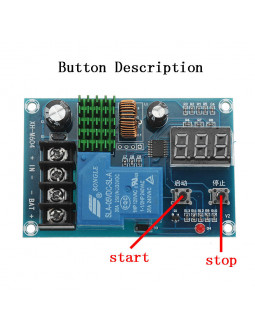
The start button plays the role of the up/increase button, and the stop button acts as the down/decrease button.
1. Set the startup voltage: under the normal display voltage state, press the start voltage button once to display the start charging voltage. Press and hold the start button for 3 seconds, the digit flashes, and the start charging voltage value is set by the start and stop buttons.
2. Set the stop voltage: in the normal display voltage state, press the stop voltage button once to display the stop charging voltage. Long press the stop button for 3 seconds, the digit flashes, and the charging voltage value is stopped by the start and stop buttons.
3. Restore factory settings: press and hold the start / stop button at the same time when the power is on, the digital display 888, that means restore the factory settings.
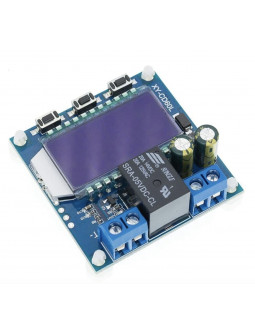
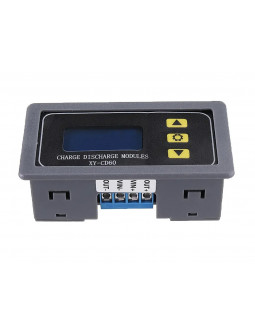
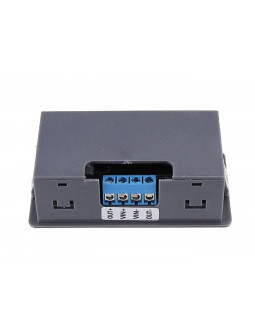
• 1 X XH-M604 storage battery and lithium battery charge control module
The XH-M604 Charge Module can be used to charge variety of battery types including, lithium, Lead-acid, nickel-cadmium, nickel-metal hydride, lithium-ion and polymer. The module can also be used for solar panel applications
Please note: This is a charge control module and not a battery charger. It will need to be paired with a battery charger.